

Ever feel like you’ve hit a wall with your favorite game? Your aim’s off, and you know it. You’re not alone.
Default controller settings can seriously hold you back. But I have good news. I’ve spent countless hours digging into game mechanics, testing settings and mods.
You don’t need to settle. I’ll share controller optimization tips that actually work. From simple software tweaks to hardware mods that change the game, this isn’t just talk.
It’s actionable advice for those serious about leveling up. No magic bullets here, just real improvements. Trust me, this is about unlocking your true potential.
You’ll walk away with a guide that transforms how you play. Ready to break through that skill ceiling?
Master Your Settings: Free Performance Boosts Hiding in the Menus
You want to raise your game without spending a dime? Look no further than your settings menu. It’s the secret weapon no one talks about enough.
These controller optimization tips can be the difference between a frustrating match and a glorious victory. ### Finding Your Perfect Sensitivity
There’s no universally “best” sensitivity setting. It’s about what feels right for you. Start low.
I mean really low. Then gradually crank it up in training mode until you find that sweet spot. You need agility to whip around but enough control to aim precisely.
Don’t ignore ADS (Aim Down Sights) sensitivity multipliers. They let you fine-tune even more for those key moments when you’re zoomed in.
Tuning Your Deadzone
Deadzone. Sounds sci-fi, right? It’s simply the no-input area on your thumbsticks.
Lowering this means your controller reacts faster. But be careful. Too low, and you’ll introduce dreaded stick drift.
To find the minimum, tweak the settings incrementally and test. Feel the response? you want it. Not too twitchy, but definitely responsive.
Understanding Aim Response Curve
Think of aim response curves like a car’s steering. Too tight, and you oversteer. Too loose, and you’re sluggish.
Most games offer Standard, Linear, and Changing settings. Standard is a good starting point. It’s like an all-purpose setting.
Linear’s for aggressive players who love flick shots. Changing? Ideal for smooth target tracking.
Adjust based on your style and watch your accuracy improve.
Ready to take your controller game up a notch? Settings are your best friend. For a deeper dive into Maximizing Controller Performance, check out the link.
It’s packed with takeaways for fine-tuning even further.
Remember, the key is experimentation. Try things out. See what works.
It’s free and can transform your gameplay. Now go tweak those settings and get back out there!
Hardware Upgrades: Smart Investments for Better Control
Let’s talk hardware. You’ve probably poured hours into software, tweaking settings for that competitive edge. But what if I told you that physical upgrades could give you an even bigger boost?
Ever notice how pro players seem to aim with laser precision? Thumbstick extenders, like KontrolFreeks, are the secret weapon. They work on simple physics.
That’s right. Thumbstick extenders, back paddles, and trigger stops aren’t just gimmicks. They’re game changers.
A longer stick ups the range of motion. More range means you can finesse those aim adjustments. Different heights and shapes matter too.
Go tall and concave for your aiming stick, short and domed for movement. There’s no one-size-fits-all here.
Now, back paddles and buttons. If you’re serious about shooters, you can’t ignore these. Keeping thumbs on the sticks while jumping or sliding is a massive advantage.
Map those actions to your back paddles, and suddenly, you’re not just aiming. You’re dominating. Premium controllers have built-in paddles, sure, but DIY kits offer a budget-friendly alternative.
Trigger stops are another underrated upgrade. Shortening the pull distance lets you fire semi-automatic weapons faster. It’s all about speeding up your response time.
And don’t overlook quality grips. They prevent slipping and make long sessions more bearable. Ever play all night and wake up with aching hands?
Yeah, me too.
These upgrades don’t mean you stop tweaking software for controller optimization tips. It’s about leveling up your entire setup. For more, check out these top 10 tips for optimizing your pid controller.
They may focus on different tech, but the principles apply everywhere.
So stop settling for stock. Invest smartly in hardware. It’s not just about control (it’s) about taking your gameplay to the next level.
Why wait when every second counts?
Beyond the Controller: Honing Your Own Technique
You might think performance is all about the gear, but let’s ditch that myth. It’s about technique (your) own secret sauce. You know, the kind that separates good players from great ones.
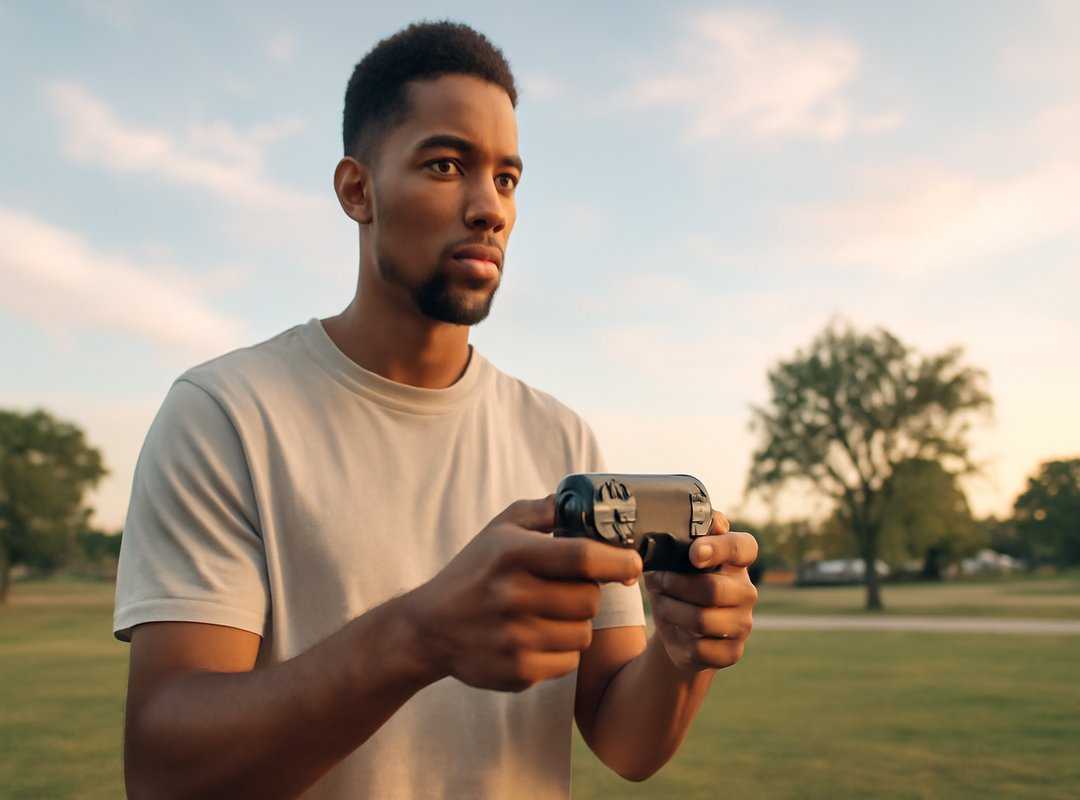
So, what’s the real deal with becoming a legend? First, focus on crosshair placement. Think of it as aiming before you even see your enemy (like predicting the future, but more practical).
Keep the crosshair at head level where foes are likely to appear. This way, when the action hits, you minimize stick movement. Pro tip: practice this in every match until it becomes second nature.
Now, let’s talk about grip. I used to think grip was a minor detail. But it’s not.
Most players use the standard grip, which lets you steer the camera and control movement smoothly. Then there’s the ‘claw’ grip. It’s a little weirder but allows you to hit buttons without lifting your thumb from the stick.
For some, it’s a game-changer. For others, it’s an awkward mess. Experiment with both to see what clicks.
Remember, comfort is key (not) following trends.
Time to dive into aim training. Actionable aim drills are key in your controller optimization tips. Try the Target Swap Drill.
Find two targets in your game’s training mode. Snap your aim between them quickly and accurately for five minutes before you start gaming. This simple practice will sharpen your reflexes.
Another exercise: track a moving target for as long as possible (focus) on smooth, consistent movement.
One last pointer. If you’re ready to dive deeper into controller mastery, check out some common pitfalls to avoid. Read more about avoiding common controller mistakes. It’s all about making small tweaks to gain big advantages.
So, have you got what it takes to level up? Let’s see you out there, crafting your own path to greatness.
For the Hardcore Player: Push Limits
Ever felt like your gaming isn’t quite at its peak? Time to explore the nitty-gritty of controller optimization tips. Let’s start with controller overclocking (PC only).
This tweak boosts the polling rate to shave off milliseconds of input lag. Sounds tempting, right? But beware, it’s an unofficial hack.
Dive deep into research before you leap.
And then there are custom tensioned thumbsticks. Imagine having more control against that heavy-handed tendency. Tightening those thumbsticks can prevent over-aiming disasters.
Have you considered trying mods from custom controller companies? They can be game-changers for those looking to squeeze every advantage possible. Yet, these aren’t mainstream.
They’re for the dedicated few willing to experiment and risk a little for that upper hand. Are you one of them?
Gear Up and Game On
Feeling held back by your gear? It’s frustrating when your equipment limits your skills. But now, you’ve got the complete set of tools to break free.
You’ve got it all: optimizing software, upgrading hardware, and refining personal technique. It’s not magic, it’s mastery.
Don’t get overwhelmed by options. Just pick one tip from the list, like finding your perfect deadzone. Spend 10 minutes on it before your next match.
You’ll feel the difference immediately.
Seize the chance to transform your game with these controller optimization tips. Ready to win more fights? Start now.